777d App: Slots, Cricket and Your BDT Wallet on Android
The 777d app is the same lobby you already know from the website, packed into a 58 MB Android file. One login, one BDT balance, one place to deposit with bKash, place a cricket bet and cash out. Below you will find the download button, the file details, the install steps and the fixes for the errors that stop a phone from finishing the job.
- 18+ · Play Responsibly
- Free download
- Android 6.0+
- English & Bangla
On a desktop right now? Scan the QR code in the download block further down, or send this page to your phone and open it there.
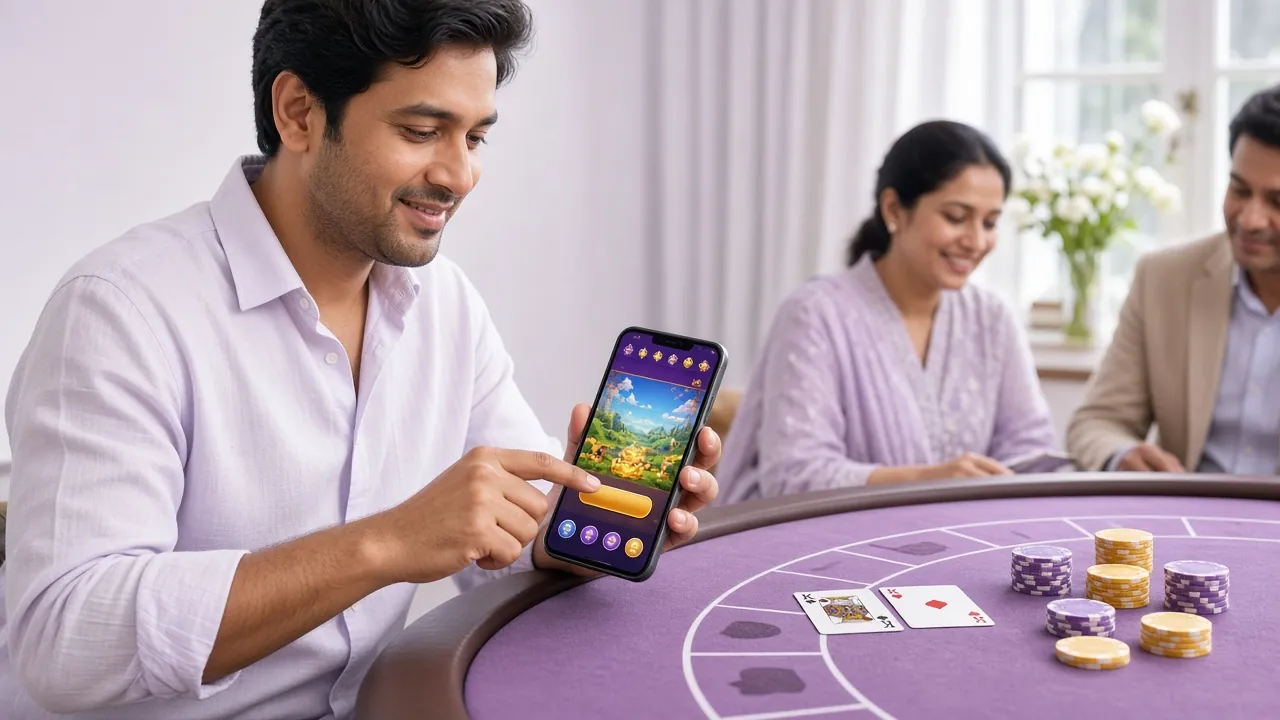
Open the shell: what sits behind the icon
The home screen you get after install is a departure board, not a shop window. Sports markets, slot rows and the cashier all sit one tap from the top strip, so you are never more than two taps from a stake.
- Same login as the site. Use the details you already have at the login page. Balances, open bets and KYC status follow the account, not the device.
- The cashier stays in the app. bKash, Nagad, Rocket and Upay open inside the shell instead of bouncing you into a browser tab.
- Updates arrive as a new file. No store round trip. When a build ships, you download it from this page and install over the old one.
Check the file before you trust it
An APK is just a package. What matters is where it came from and what it asks for once it is open. Four checks take under a minute.
The build number matches this page
Every release here is version 3.3.15 and 58 MB. If a file claiming to be 777d shows a different size in your download list, the transfer stopped early. Delete it and pull it again rather than forcing the installer.
Permissions stay short
The app needs network access, local storage for game assets, and notifications if you switch alerts on. It has no reason to read your contacts, SMS inbox or call log. A package that asks for those is not the one linked on this page.
Put a screen lock in front of the wallet
Set a PIN, pattern or fingerprint inside the app before your first deposit. On a phone that gets passed around the room, that step is the difference between a private balance and a shared one. Sessions also end on their own after a stretch of inactivity.
Skip forwarded files
Telegram groups, WhatsApp forwards and mirror sites are the usual source of modified builds. Bookmark this page and download from the button here. One address, one current file, nothing to compare against a stranger's screenshot.
App or browser: which one opens faster for you
Both routes reach the same 5,700 games and the same BDT wallet. The difference shows up in how the phone behaves on a slow connection and how many taps sit between you and a bet.
| Task | In the app | In the browser |
|---|---|---|
| Cold start | Tap the icon on the home screen and the lobby is up in a few seconds, even on 4G. | Open the browser, type or find the address, then log in again if the tab was closed. |
| Data use | Game assets stay cached on the phone, so repeat sessions pull far less data. | The full lobby reloads each visit, which costs more on a metered SIM. |
| Deposits | bKash, Nagad, Rocket and Upay open inside the app and land back on the wallet screen. | The cashier opens a payment window and you return to the tab afterwards. |
| Cricket markets | Market list, score strip and bet slip stay on one screen between overs. | Switching tabs can pause a stream on older phones with little memory. |
| Alerts | Optional notifications for settled bets and cash-out confirmations. | Nothing arrives unless the tab is open in front of you. |
| Storage | 58 MB for the package plus cached game files over time. | No install. The cache lives in the browser and can be cleared any time. |
| Updates | A fresh APK from this page whenever a version ships. | Always the current version, because the page loads it on every visit. |
Take the app if you mostly play from one Android phone and want the wallet a single tap away. Stay on the browser if the device is shared, or if you move between phone and laptop through the day. Both routes share the same bonus balance, so switching does not cost you progress.
Install the 777d app on Android in five steps
Android blocks packages that do not come from the Play Store until you name the app allowed to install them. Do that once, then the rest is a normal install.
-
1
Allow the install source
Open Settings, then Apps, then Special access, then Install unknown apps. Pick the browser you download with, usually Chrome, and switch the permission on. Newer Android versions ask per app rather than once for the whole phone.
-
2
Download 777d.apk
Come back to this page and tap Download APK. The 58 MB file drops into your Downloads folder. Keep the screen awake until the bar finishes, because a locked screen on a weak connection leaves a half file behind.
-
3
Open the package
Tap the finished download, or open Downloads and tap 777d.apk. If Play Protect shows a scan warning, choose More details and then install anyway. You already checked the source when you pulled the file from here.
-
4
Let the installer finish
Unpacking the game assets takes about a minute on a mid-range phone. Do not tap the icon while the copy is still running. When it ends, the 777d icon appears in your app drawer and the APK itself can be deleted.
-
5
Sign in and deposit
Open the app and log in with your 777d details, or register first if the account is new. Add a PIN, then deposit from bKash or Nagad. The first deposit takes the 200% welcome bonus up to ৳20,000 with 16x wagering.
On iPhone: add the lobby to your home screen
No iOS package ships for 777d. Safari can pin the web lobby as an icon, which behaves close enough for daily use and keeps the same login and balance.
- Open the 777d site in Safari. Chrome on iOS does not expose the same menu.
- Tap the Share button in the toolbar at the bottom of the screen.
- Scroll the share sheet and choose Add to Home Screen.
- Name the shortcut 777d and tap Add. The icon now opens full screen.
Play, deposit and cash out without a browser tab
The app carries the full lobby rather than a stripped copy. These are the parts you will actually open during a session.
Slot rows
Fortune Mouse, Ocean Phoenix, Honor of Juma and hundreds more run on the same providers as the site: JDB, KA Gaming, Habanero, CQ9 and Sexy Gaming. Stakes open as low as ৳1 on some titles.
Live dealer tables
Single Deck Blackjack and the dealer studio tables stream inside the app. Cards, chat and bet limits sit on one screen, which reads better on a phone than a stretched browser window.
Card rooms
Pool Rummy runs at 95.2% RTP with stakes from ৳2 to ৳5,000, and Teen Patti tables share the same wallet. Useful when a full slot session is more time than you have.
Cricket and football
BPL, T20 and international markets open in the sports tab, with Monster Triple listed at 97.8% RTP in the game grid. Build a slip between overs without leaving the score screen.
Wallet inside the shell
Deposits through bKash, Nagad, Rocket and Upay usually land in about 6 minutes. Withdrawals to the same wallets take around 25 minutes once KYC is approved, up to ৳140,000 a day.
Alerts and history
Switch on notifications for settled bets and cash-out confirmations. The account tab keeps a running statement, which makes the 16x wagering on a bonus easier to track before you request a payout.
Games that load quickly on mobile data
Two titles from the slot row are worth trying first, because both cache cleanly and keep their file weight down on a phone connection.
 Slots
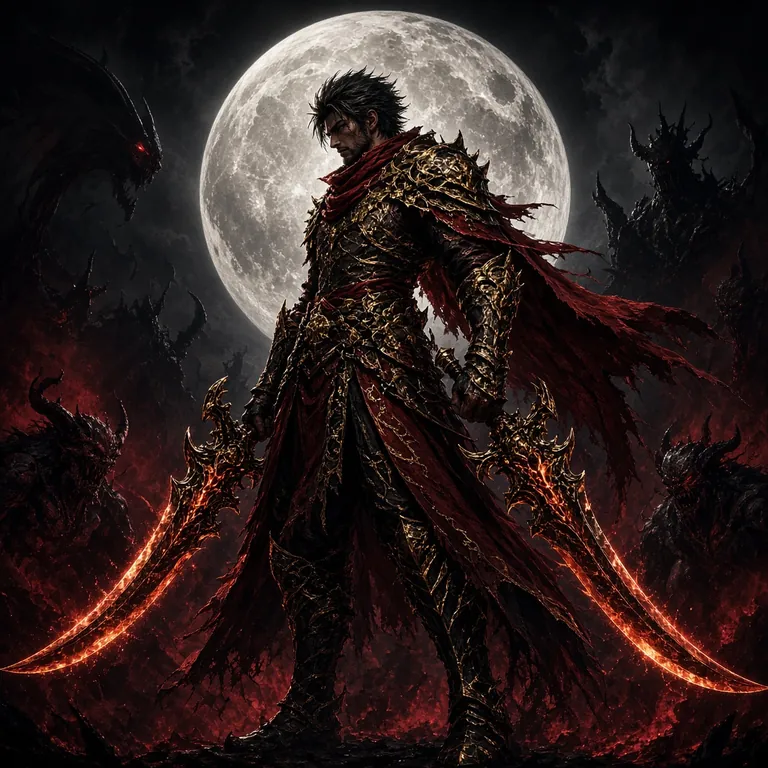
Fortune Mouse
Stakes from ৳2 to ৳10,000. Short base rounds, which suits a phone screen and a quick session on the bus.
 Slots
Ocean Phoenix
Stakes from ৳5 to ৳50,000. Heavier art than most slot titles, so give it a moment on the first load.
The full list of 5,700 games sits in the casino lobby, and every title there opens in the app with the same limits.
Know the numbers: version, size and Android floor
Check these figures against your download before you open the installer. They describe the only build linked from this page.
Current package for Android
Signed build, no store wrapper, no extra installer inside. Save the file, confirm the size, then install.
777d.apk · 58 MB
| Field | Value |
|---|---|
| File name | 777d.apk |
| Version | 3.3.15 |
| File size | 58 MB |
| Minimum Android | 6.0 |
| Last updated | 10 November 2026 |
| Price | Free |
| Languages | English, Bangla |
| Account needed | Yes, one 777d account for app and web |
Data charges from your operator still apply, and the first launch pulls extra game assets over the network. Join Wi-Fi for that first session if your monthly bundle is tight.
Fix a stuck install: five errors and their causes
Almost every failed Android install on this page comes down to a partial download or a permission pointed at the wrong app. Match the message on your screen to the row below.
| What you see | Why it happens | What to do |
|---|---|---|
| App not installed | An older 777d build with a different signature is still on the phone, or the new file is incomplete. | Uninstall the old copy, delete the partial file from Downloads, then download again and keep the screen on through the install. |
| Parse error | The download stopped early, usually because the screen locked or the mobile connection dropped mid-transfer. | Clear the browser download list, move to Wi-Fi, and pull the file once more from the button on this page. |
| Blocked by Play Protect | Google's scanner flags any package that arrives outside the Play Store until you confirm the source. | Tap More details, then Install anyway. If the warning returns, confirm the file came from this page and not a mirror. |
| Install button greyed out | Storage is full, or Install unknown apps was granted to a browser you are not downloading with. | Free up space in Settings, then set the permission for the specific browser that holds the file. |
| App opens then closes | Android is older than 6.0, or the cache was damaged by an interrupted update over the top of the old build. | Check the Android version in Settings. If it passes, clear the app cache; if that fails, uninstall and install fresh. |
Still stuck after the last row? Live chat runs 24/7 and can confirm the current build number against what your phone is holding.
Download the 777d App for Android
Version 3.3.15 · 58 MB · Android 6.0+ · Free
-
One tap from the icon to any game
Sports markets, slot rows and the cashier sit in a single top strip. No browser tab, no extra login, no redirect.
-
bKash, Nagad, Rocket and Upay inside the shell
Deposit from ৳200 and withdraw to your mobile wallet. Deposits land in about 6 minutes; cash-outs in about 25.
-
Cricket odds refresh live
BPL, IPL and T20 internationals update ball by ball. The same BDT balance covers your slot spins and match bets.
-
Updates ship as a new file, not via a store
When build 3.3.15 is replaced, you download the new APK from this page and install over the old one in seconds.
APK file. Enable Install from unknown sources in your Android settings before tapping the file.
Scan on your phone
to open the download link
Straight answers before you download
The questions that reach support most often about the 777d app, answered in the order they usually come up.
Is the 777d APK safe to install?
Yes, when it comes from this page. The file is the current signed build, 58 MB, version 3.3.15, and it installs straight over older versions without touching your account. Files forwarded through Telegram or copied from a mirror can be edited, so download here and compare the size before you tap the package.
Why does Android warn me about the file?
Android blocks any app that does not arrive through the Play Store until you allow a specific app as an install source. The warning is about the route, not the file itself. Turn on Install unknown apps for your browser, run the install, then switch the permission back off if you would rather not leave it open.
Can I use my existing 777d account in the app?
Yes. The app and the website share one account, one BDT balance and one bonus balance. Log in with the same details you use at the login page and your wagering progress, KYC status and open bets come with you. Do not open a second account for the app, because bonuses are tied to the first one.
How do I update the app when a new version ships?
Download the new APK from this page and install it over the old one. Your login and balance stay in place and no data is lost. There is no in-app store update path on Android. If the installer refuses the overwrite, uninstall the old build first, then reinstall and sign in again.
Will it run on an older or cheaper Android phone?
Android 6.0 is the floor, which covers most phones sold in Bangladesh over the last few years. Below that, use the browser lobby instead, since it needs no install. If the app feels heavy on a low-end handset, clear the cache now and then and stick to lighter slot titles rather than live dealer streams.
Does the app work on iPhone?
There is no iOS package, so nothing to sideload. On iPhone, open the site in Safari, tap the Share icon and choose Add to Home Screen. That gives you an icon and a full-screen lobby without an install step, and it keeps the same login, wallet and bonus balance as the Android app.
How much data does the app use?
The first session pulls the game assets, so run it on Wi-Fi if your bundle is small. After that the app reloads from cache, which is lighter than opening the full web lobby on each visit. Live dealer tables stream video continuously, so those cost noticeably more data than slot rounds.
Install once, play from the icon
Grab the 58 MB package, sign in with your usual details and keep the cashier one tap away. New players can open an account first and take the 200% welcome bonus up to ৳20,000.
Keep the app under your control
An app on your home screen is easy to open, which is exactly why limits belong in place before the first session, not after a bad night.
- Set a deposit cap in the account menu and treat it as fixed for the week.
- Use the session timer so the app closes itself instead of you deciding when.
- Turn off notifications if alerts push you back in when you did not plan to play.
- Ask live chat for a cooling-off period or self-exclusion. It is a request, not a negotiation.